

Nanobanana is a powerful AI image editing tool. You upload a photo of a room, describe what you want changed - swap the wall color, replace the sofa, add a rug, or switch the lighting style - and the AI handles it without requiring any design software or technical skill. It keeps the space looking consistent and makes edits quickly, all from plain-language instructions.
That said, Nanobanana is not the only tool worth considering for apartment design work. You might want a free plan with more monthly credits. You might prefer a tool that generates photorealistic room concepts from scratch rather than editing existing photos. Perhaps you need to drop readable text onto a mood board or design presentation. Or you simply want to test a few options side by side before committing. This guide covers five strong alternatives, what each one does best for interior visualization, how much it costs, and which type of designer or homeowner it suits.
What Is Nanobanana?
The core idea is straightforward: upload any photo of an apartment or room, then describe in plain language what you want changed. You can add furniture, remove clutter, change the wall finish, switch a room from day to night lighting, apply a Scandinavian or industrial style, or swap out flooring - all without touching Photoshop or hiring a stager.
A standout capability is that the spatial relationships and structural elements of a room hold together even after significant changes. This makes Nanobanana particularly useful for interior design mockups, real estate listing photos, renovation planning, and social media content for interior brands, all without a professional photographer or 3D rendering suite. Nano Banana ai image generator is available through Cabina.AI alongside more than 25 other AI tools. But if you are exploring alternatives - for different visual styles, more generation control, or a different workflow - here are the top options to consider.
What We Looked for When Comparing
When evaluating these tools for apartment and interior design use, we focused on the factors that matter most in practice:
- Output quality: Do the generated rooms and spaces actually look believable?
- Prompt accuracy: Can the tool reliably follow specific interior design instructions - "add a mid-century modern armchair in the corner" or "change the flooring to light oak"?
- Ease of use: Can someone who is not a trained designer produce useful results quickly?
- Free plan: Is there a meaningful way to test the tool before paying?
- Unique strengths: What does this tool do that others cannot match?
- Price: Is the paid plan worth it for interior design workflows?
Quick Comparison Table
| Tool | Best For | Free Plan? | Paid From | Standout Feature |
|---|---|---|---|---|
| Cabina.AI | Multi-model interior design hub | Yes | $4.99/mo | Access 10+ image models in one place — compare room concepts side by side |
| Midjourney | Architectural and editorial-quality visuals | No | $10/mo | Cinematic, magazine-quality interior renders with exceptional depth and mood |
| Flux | Photorealistic room generation and open-source control | Yes (credits) | $9.99/mo | FLUX.1 Pro/Dev/Schnell: fast, high-res room generation with open weights |
| Ideogram | Design presentations and mood boards with text | Yes | $8/mo | Best-in-class readable text rendering for labels, titles, and brand overlays |
| Grok Image | Trend-aware interior concepts and photo editing | Yes (limited) | $30/mo | Aurora engine: photorealistic output with real-time cultural and trend context |
5 Best Nanobanana Alternatives for Apartment Design
1. Cabina.AI

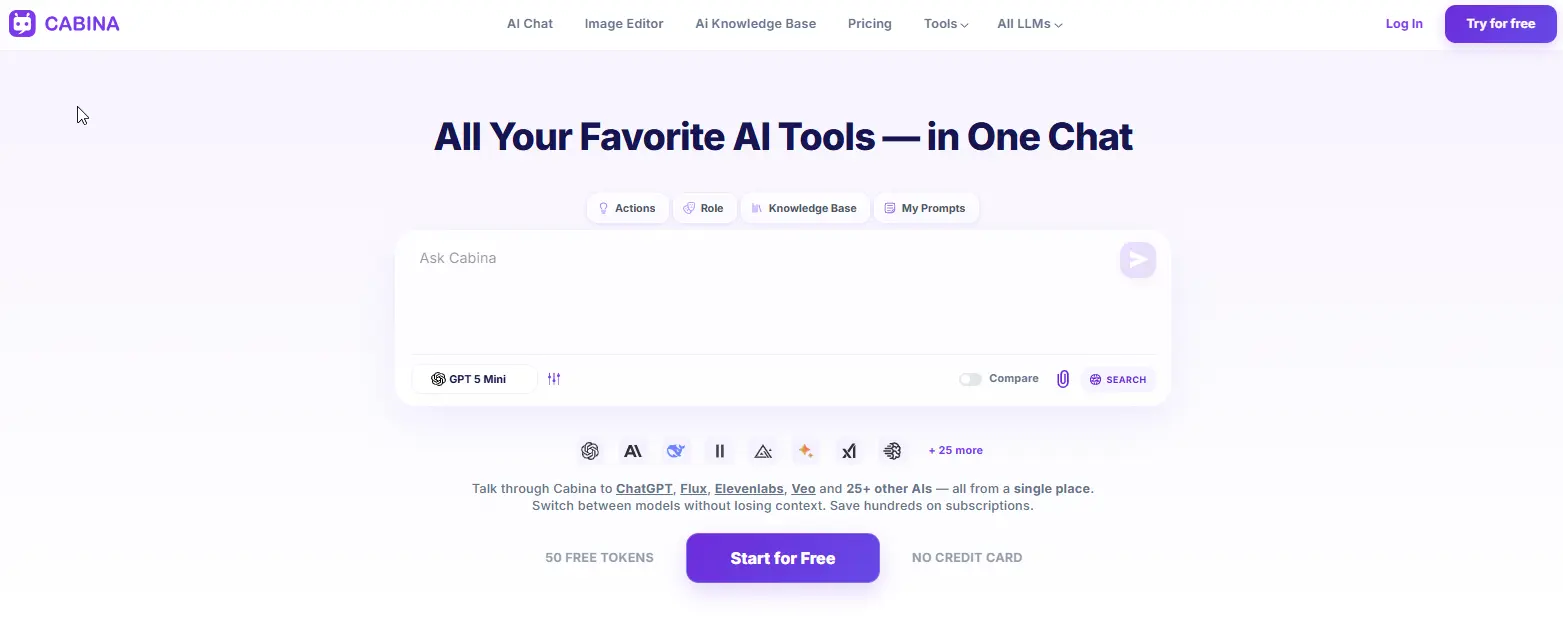
Cabina.AI is not a single image generator - it is a unified platform that gives you access to more than ten leading AI image models from one screen. For apartment design work, that range of models matters enormously. These include Flux, Midjourney, DALL-E, Ideogram, Stable Diffusion, Runway Image, Leonardo, Google Imagen, and Nanobanana itself.
The central advantage for interior designers and homeowners is flexibility. Different models produce different visual results. Midjourney renders a living room with a cinematic, editorial quality. Flux generates photorealistic spaces that look close to actual photography. Ideogram handles text overlays cleanly, which is useful if you are building mood boards, design decks, or client presentations with annotations. Instead of maintaining separate subscriptions and toggling between multiple tabs, Cabina.AI brings every model into a single chat window under one account.
The Compare Mode is especially practical for design work. Write one prompt - "Scandinavian living room with natural oak floors, a cream linen sofa, and pendant lighting" - send it to two different models at once, and view the results side by side. For deciding which visual direction to take a room concept, this saves significant time and removes guesswork.
Beyond image generation, Cabina.AI includes AI chat with more than 25 text models, a Knowledge Base for uploading and querying documents such as product catalogs or spec sheets, video and audio generation, and over 80 writing tools.
Key Features
- Access 10+ image models in one place: Flux, Midjourney, DALL-E, Ideogram, Stable Diffusion, Runway, Leonardo, Imagen, Nanobanana, and more
- Compare Mode: one prompt, two image models, results side by side - ideal for testing room concepts
- AI chat with 25+ text models (GPT, Claude, Gemini, Mistral, Grok, DeepSeek, and others)
- Knowledge Base (RAG): upload and query product catalogs, floor plans, or client briefs
- Video, audio, and image generation under one account
- 80+ writing and productivity tools for design proposals and content
- Pay-as-you-go or monthly - no separate subscription per model
Price
- Free: 50 tokens to start, includes free models (Mistral, Qwen, DeepSeek, Llama)
- Pay-as-you-go: from $3 top-up, unlocks all models including Nanobanana and Flux
- Starter: $4.99/month - 450 tokens, all models
- Basic: $9.99/month - 1,000 tokens, voice-to-text
- Growth: $18.99/month
- Enterprise: $99.99/month
2. Midjourney
For apartment design visuals that need to look genuinely impressive - the kind that appear in architecture magazines, luxury real estate listings, or design portfolios - Midjourney remains the benchmark. No other AI image generator produces interiors with the same sense of depth, materiality, and atmosphere.
The images Midjourney creates have a recognizable cinematic quality: the way light falls across a concrete wall, the subtle texture of a linen throw, the spatial composition of an open-plan kitchen. This is why architectural studios, interior design firms, and real estate marketers rely on it for client-facing visuals that need to feel aspirational.
Midjourney operates primarily through Discord, where you type prompts and the bot returns image options. There is now also a web interface for new users. Bear in mind that Midjourney is designed for generating new images from description - it is not built for editing existing apartment photos.
Key Features
- Industry-leading interior render quality - cinematic depth, material detail, and atmospheric lighting
- V6 model with photorealistic and stylized modes suited to different design aesthetics
- Fast variations, upscaling, and remixing within the same workflow
- Stealth Mode on Pro and Mega plans - keeps client work private
- Commercial usage rights included on all paid plans
- Extensive community gallery for interior design prompt inspiration
- Aspect ratio, style weight, and seed control for consistent room variations
Price
- Free plan: no longer available - all plans are paid
- Basic: $10/month - approximately 200 images/month
- Standard: $30/month - 15 GPU hours plus unlimited Relax Mode
- Pro: $60/month - 30 GPU hours plus Stealth Mode for private client projects
- Mega: $120/month - 60 GPU hours, suited to high-volume design studios
3. Flux
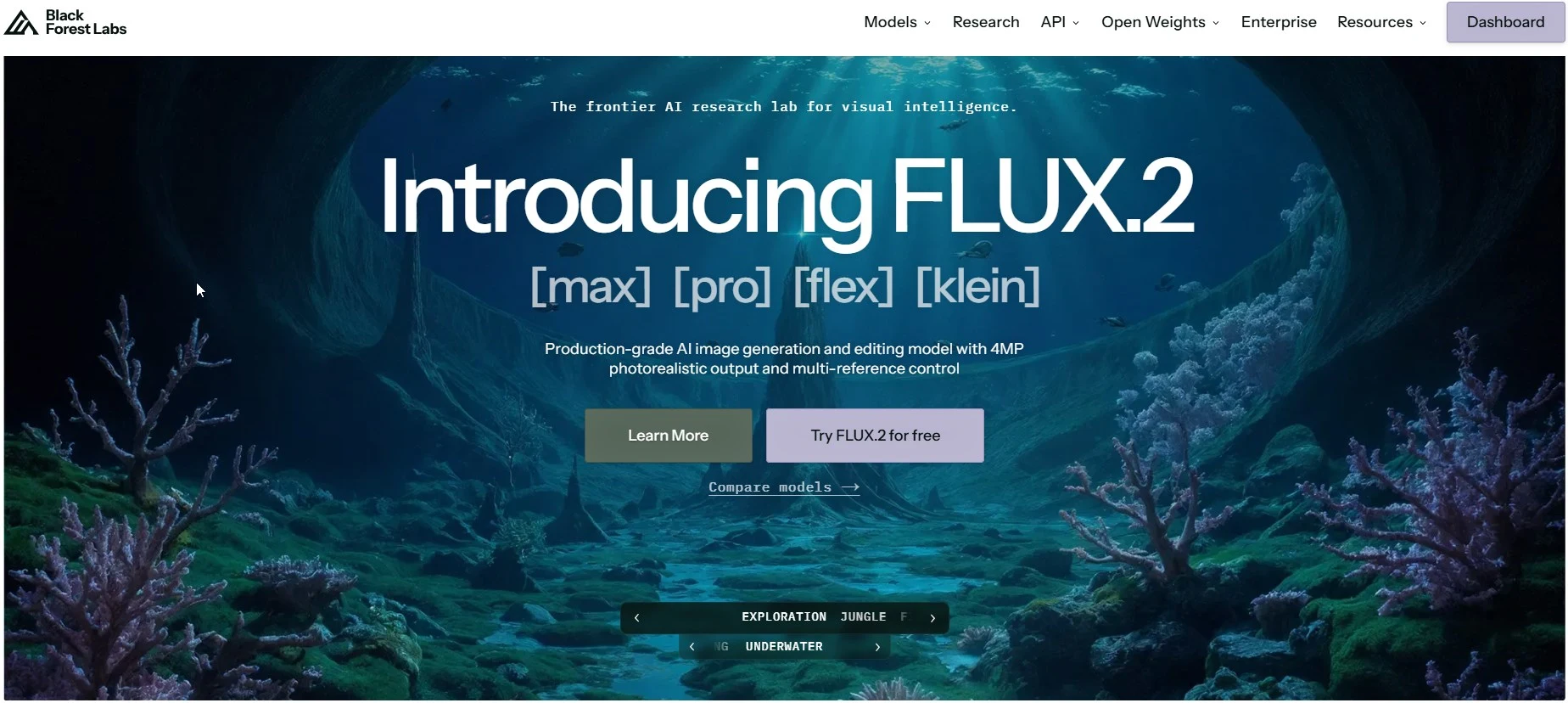
Flux was developed by Black Forest Labs, the team behind Stable Diffusion, and consistently ranks among the top AI image generators for prompt accuracy, fine spatial detail, and photorealistic output - all of which matter when generating interior scenes that need to look credible.
Three model versions are available: FLUX.1 Schnell (fastest, free for personal use), FLUX.1 Dev (open weights for non-commercial projects), and FLUX.1 Pro (highest quality for professional use). For apartment design, Flux excels at generating photorealistic room concepts from scratch. If you describe a room in detail - layout, materials, lighting conditions, furniture style - it produces results that closely match what you specified.
You can access Flux through Cabina.AI, so no separate account is needed to try it alongside other models.
Key Features
- Three model tiers: Schnell (fast, free), Dev (open-weight), Pro (highest quality)
- Exceptional prompt adherence - generates room layouts and details that match your description closely
- Open weights for FLUX.1 Schnell and Dev - run locally, fine-tune on specific interior styles, or build on top
- Supports up to 2-megapixel output with multiple aspect ratios
- Text-to-image and image-to-image capabilities
- Fast generation - Schnell produces results in seconds
- Available via API on Replicate, fal.ai, and Black Forest Labs directly
Price
- Free: daily credits for FLUX.1 Schnell, personal use under Apache 2.0 license
- Paid plans: from $9.99/month via third-party platforms
- API (Black Forest Labs): pay-as-you-go - FLUX.1 Pro from $0.06 per image
- Via Cabina.AI: access Flux on all paid plans from $4.99/month
4. Ideogram
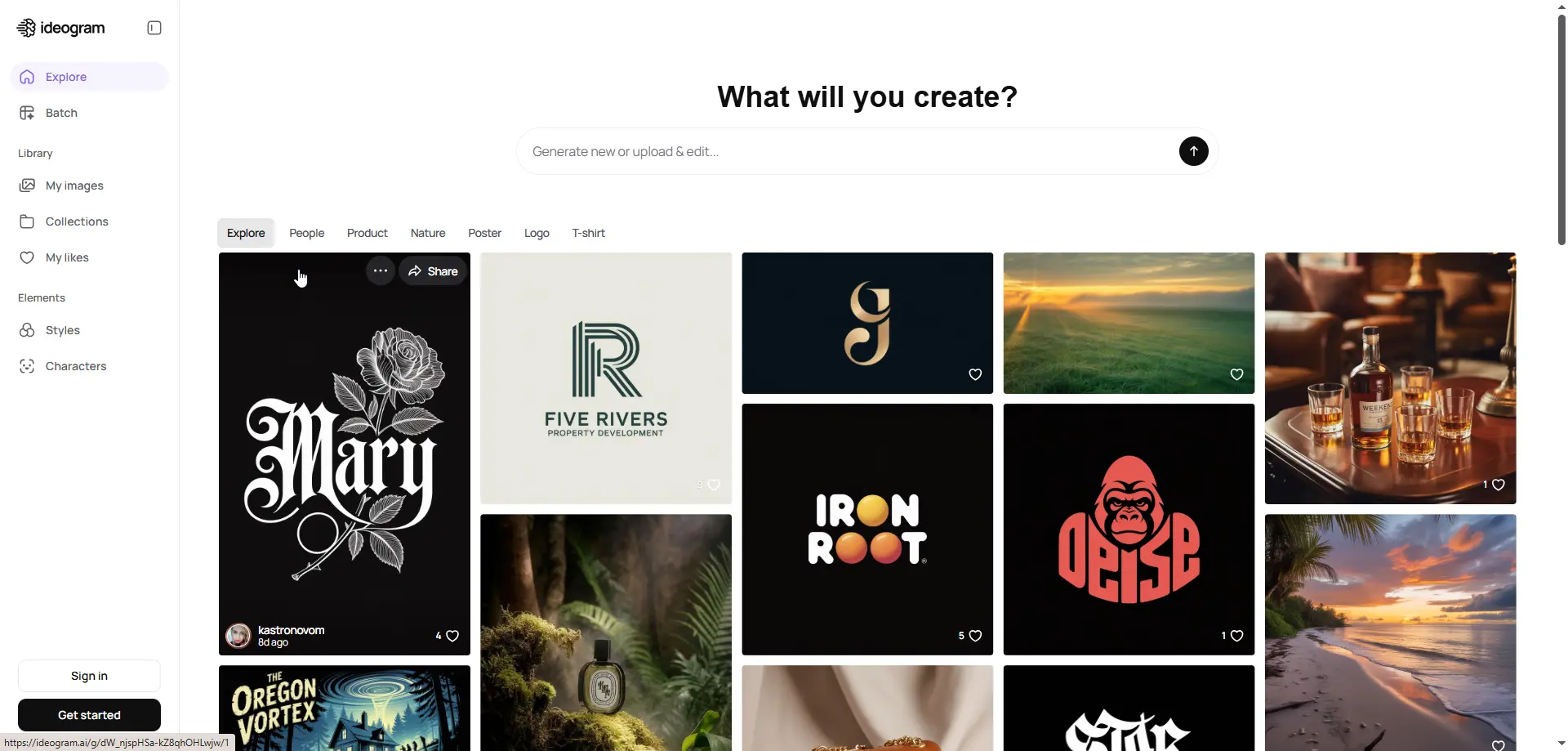
Most AI image generators struggle the moment you ask them to include readable text. Request a title block on a design mood board or a label on a floor plan annotation, and the result is typically garbled characters that resemble letters but spell nothing useful. Ideogram has solved this problem reliably.
For apartment design workflows, this matters in several practical situations: creating client presentation slides with room labels and callouts, producing branded mood boards with typography overlays, designing social media content for interior brands, or building room concept boards where material and finish names need to appear clearly alongside the visual.
The latest version, Ideogram 3.0, brings sharper image output, more realistic furniture and spatial rendering, expanded font options, and a Canvas editor for modifying specific sections in the browser. The Magic Prompt feature expands a simple description into a detailed, well-structured prompt automatically.
Key Features
- Best-in-class text rendering - accurate spelling, real typography, font styles that match the design context
- Magic Prompt: AI expands a simple room description into a detailed, optimized prompt automatically
- 5 style presets: Realistic, Design, Illustration, Anime, 3D Render
- Color palette control - specify exact brand or scheme hex codes
- Canvas editor with inpainting, outpainting, and remixing for targeted room edits
- Batch Generation on Pro plans - up to 500 images from a CSV, suited to large property portfolios
- Style Reference: upload three reference images to replicate a specific interior aesthetic
Price
- Free: limited slow credits, resets weekly - suitable for testing
- Basic: approximately $8/month - priority credits, private generation
- Plus: approximately $20/month - image uploads, character consistency, more credits
- Pro: approximately $85/month - batch generation, API access, maximum credits
5. Grok Image
Grok image generation uses a model called Aurora, built by xAI to compete with Midjourney v6 and DALL-E 3. It performs well for photorealistic output and precise instruction-following - both important for interior design where spatial accuracy matters.
What sets Aurora apart in a design context is its connection to real-world trends through X (formerly Twitter). If a particular interior aesthetic is gaining traction - a specific take on biophilic design, a trending color palette, a newly popular furniture style - Grok has exposure to how that trend actually looks in practice. Aurora also supports image-to-image editing: upload an existing apartment photo, describe what you want changed, and the model applies those changes.
SuperGrok at $30 per month gives you unlimited image generation alongside the full Grok 4 AI assistant with real-time web access - useful if you also need an assistant that can look up current product pricing or design news while you work.
Key Features
- Aurora engine: autoregressive model for photorealistic interior rendering
- Strong prompt adherence for specific interior design descriptions
- Image-to-image editing - upload an apartment photo and describe targeted changes
- Trend awareness through X data integration - reflects current design movements and aesthetics
- Text and logo generation with high accuracy for design content
- Real-time information access through Grok's web and X integration
- Available on grok.com, the X app, iOS, and Android
Price
- Free (Grok.com / X): limited daily queries with Aurora image generation included
- X Premium: $8/month - increased Grok usage limits within X
- X Premium+: $40/month - priority Grok access, Grok 4, higher limits
- SuperGrok: $30/month - full Grok 4, unlimited Aurora image generation, 128K context, DeepSearch
- SuperGrok Heavy: $300/month - Grok 4 Heavy, maximum compute, earliest model access
How to Pick the Right One for Apartment Design
For apartment visuals that need to look editorial or portfolio-quality, Midjourney is the strongest choice. The depth, material rendering, and atmosphere of its interiors are unmatched for client pitches, design portfolios, or high-end real estate listings.
For adding readable text to design presentations and mood boards, Ideogram is the only reliable option. If you are creating annotated room concepts, brand overlays, or client-facing presentations where labels and typography need to appear clearly alongside the image, Ideogram is the tool to use.
For photorealistic room generation with precise prompt control, Flux is the strongest performer. If you describe a room in specific terms - layout, materials, lighting, furniture style - FLUX.1 Pro will produce results that closely match your description.
For editing existing apartment photos and staying current with design trends, Grok Image is well positioned. Aurora produces photorealistic results and supports photo editing, with real-time trend awareness built in.
For accessing multiple tools under one account without managing separate subscriptions, Cabina.AI is the most practical solution. One account gives you over ten image models, AI chat, document review for catalogs and briefs, and video generation. The Compare Mode lets you run the same room prompt through two different models simultaneously.
On budget: Ideogram offers the most useful free tier for real creative work. Flux's Schnell model is free with daily credits. Cabina.AI at $4.99 per month provides access to all major models. Grok includes free Aurora image generation. Midjourney is the only tool on this list with no free option.
Final Verdict
Nanobanana is well suited to its core use case: editing existing room photos using plain-language instructions with strong spatial consistency. For many apartment design and renovation planning workflows, it delivers exactly what is needed. However, if your needs extend to generating original interior concepts from scratch, producing editorial-quality architectural visuals, annotating design presentations with clean typography, or managing multiple design projects across different visual styles, the alternatives above each bring something that Nanobanana does not.
To summarize: Midjourney is for interior visuals that need to look genuinely impressive. Ideogram is for design presentations where text and typography matter. Flux is for photorealistic room generation with precise control. Grok Image is for trend-aware concept generation and photo editing. Cabina.AI is for designers who want access to all of these capabilities without managing five separate accounts.
Every tool on this list offers either a free plan or a meaningful free tier. Start there, run a few room prompts, and only upgrade once you have found the model that produces the interior visuals your work actually requires.


